
Set both, then stop fighting about which one shows. Google describes the logo as the image that helps customers recognise your business, highlighted when the profile has its basic information filled in, and says plainly that setting a cover photo does not guarantee it will appear as the first image. Both come from the same photo rules: JPG or PNG, 10 KB to 5 MB, 720 by 720 recommended, and images that represent reality without heavy filtering.
More time is wasted on the Google Business Profile logo and cover photo than on any other part of a Business Profile. People upload it, see a different picture at the top, upload it again, and conclude something is broken.
Nothing is broken. Google chooses what to show, and the help page says so.
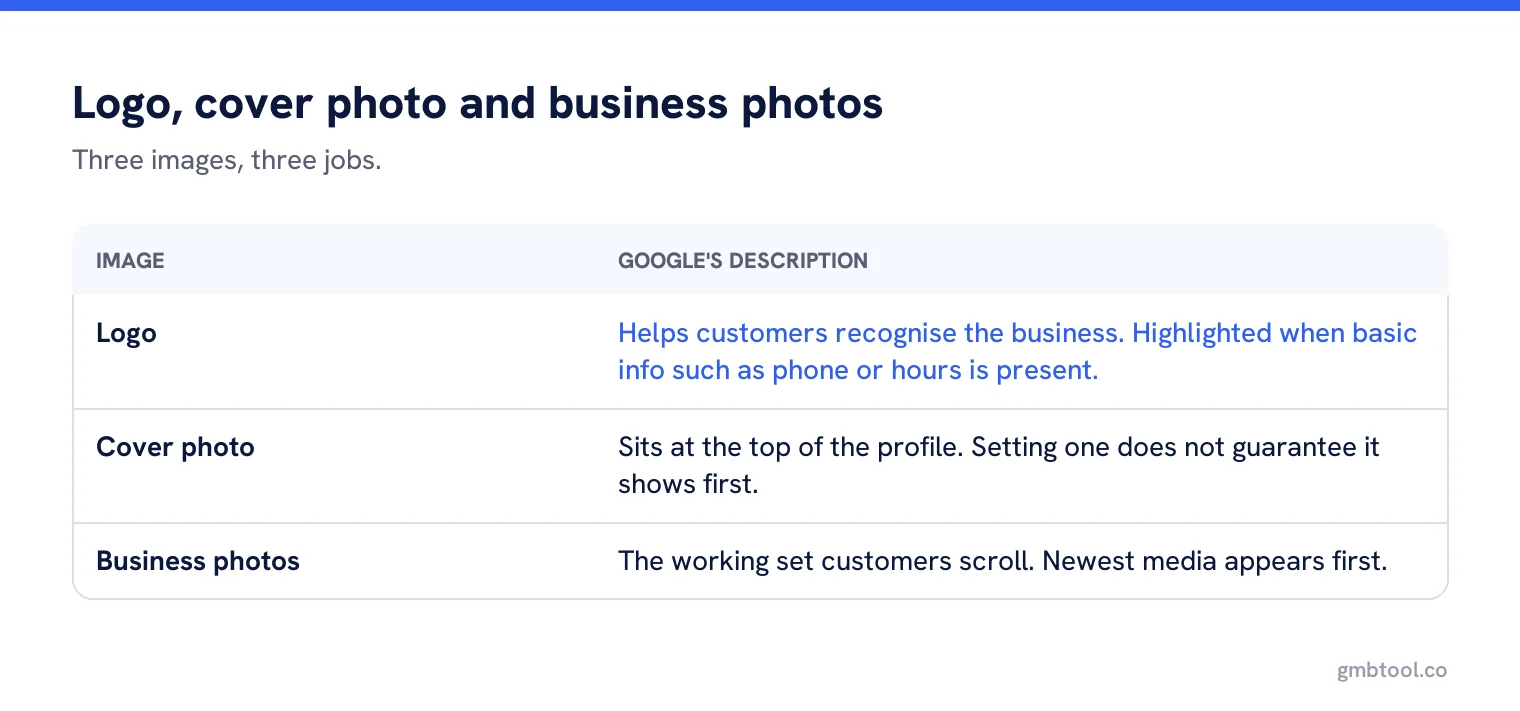
What each image is for
| Image | Google’s description | Practical use |
|---|---|---|
| Logo | Helps customers recognise your business. Highlighted when basic information such as phone or hours is present. | Brand recognition in results and on the profile. |
| Cover photo | Set at the top of your profile to best represent your business, with no guarantee it shows first. | Your preferred hero image. |
| Business photos | Different photos highlighting features of the business. | The working set customers actually scroll. |
The specifications, briefly
- JPG or PNG, between 10 KB and 5 MB.
- 720 by 720 pixels recommended, 250 by 250 minimum.
- In focus, well lit, no significant alterations or excessive filters.
- Photos and videos only show after the profile is verified.
That third point is a policy as much as a technical note. Google says the image should represent reality, which rules out the heavily retouched interiors that look nothing like the room a customer walks into.
Choosing a logo that works small
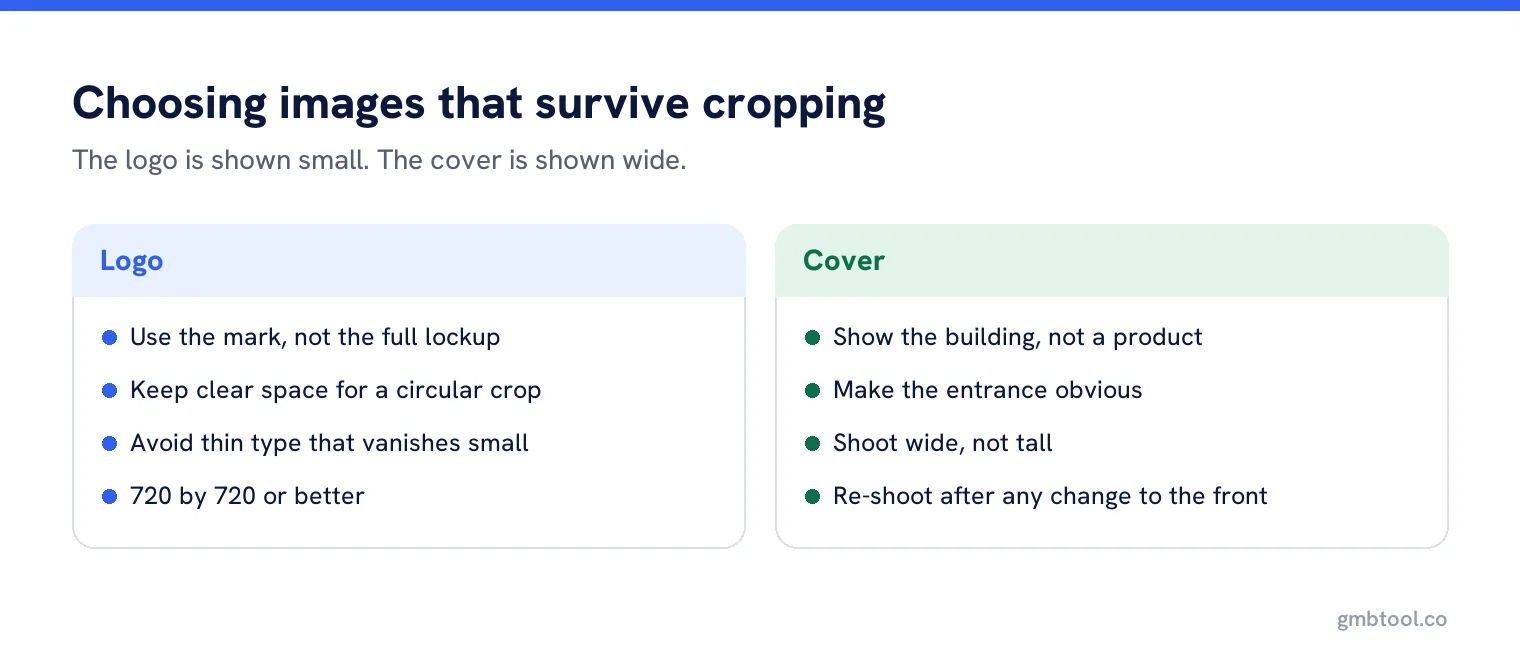
The logo is displayed small and often cropped to a circle, which is where detailed logos fall apart. Three rules cover most cases: use the mark rather than the full lockup if you have one, keep clear space around the edges so a circular crop does not eat the letters, and avoid thin type that disappears at 50 pixels.
If the business has no logo, use a clean photograph of the sign. It is better than a stretched word in a default font, and it does the same job of recognition.
Choosing a cover photo
Show the place, not a product
The job is recognition on arrival. An exterior shot in daylight beats a stock photo of a smiling stranger.
Make the entrance obvious
Especially in a terrace, a retail park or a shared building.
Shoot it wide
The space it fills is wide, and a tall photo gets cropped through the middle.
Re-shoot after any change
New signage, a repaint, a refit. An old cover photo sends people to a door that no longer looks like that.
When the wrong image keeps showing
Google decides which photo appears first in each place, and a customer photo often wins. The reliable response is not to re-upload the cover repeatedly; it is to make your own photographs the strongest and most recent set on the profile. Several good exterior shots, added recently, change what there is to choose from.
Google also notes that photo source and total views are shown at the bottom left of profile photos on Search, so you can see which images are yours and which came from customers, and how much attention each is getting.
Upload statuses, and the 48 hour rule
After upload, media is reviewed against the photo and video policies and shows one of three states. Pending means it is still uploading or processing, or the profile is not verified, and pending media is not shown to customers. Not approved means it was flagged for a policy breach. Live means it is showing. Google notes it can take 24 to 48 hours for photos and videos to appear.
So the usual panic, that an upload has not worked, is usually a wait rather than a fault. Check again the next day before changing anything.
If the logo does not appear at all
Google links logo display to the profile having its basic information filled in, such as a phone number or opening hours. A profile missing those details may simply not be showing a logo yet. Fill in the basics first, then look again, rather than re-uploading the image.
Removing images
Your own photos can be deleted from the profile. Photos added by customers cannot, though Google does provide a route to request removal of customer photos where they break the rules. An unflattering but genuine customer photo will usually stay, which is the strongest argument for keeping your own set current.
A worked example
A family butcher in a parade of shops uploaded a cover photo of a cut of meat on a board. Attractive, professionally shot, and useless as a cover, because it tells nobody which door to walk through. The profile also had eleven customer photos, several of them taken through the window on a grey afternoon, and one of those was what Google kept showing first.
The fix took an hour on a bright Saturday morning. A straight-on photo of the shopfront with the name legible, a second of the doorway, a third of the counter from inside, and the meat photograph kept as a business photo where it belongs. The logo, a simple mark, was uploaded at 720 by 720 with space around the edges so the circular crop did not clip it.
Two days later the profile looked like the shop. Nothing was deleted, nothing was reported, and the customer photos are still there. They are simply no longer the newest or the clearest images available.
Multi-location estates
Use the same logo everywhere and a different cover photo per site. That split confuses people, and it is the right one: the logo is a brand asset and should never vary, while the cover is a wayfinding image and should show that specific building. A chain whose forty profiles all show the same stock interior has told customers nothing about any of them.
Keep brand images consistent everywhere
Push the logo across every profile at once and keep each location’s own photos current from one place.
Frequently asked questions
Why is my cover photo not showing first?
Google says setting a cover photo does not guarantee it will appear as the first image. The reliable response is to make your own recent photos the strongest set.
Why is my logo not appearing?
Google links the logo being highlighted to the profile having basic information such as a phone number or hours. Fill those in before re-uploading the image.
How long do photos take to appear?
Up to 24 to 48 hours. Media also shows as pending while it processes, or if the profile is not verified, and pending media is not shown to customers.
What size should the images be?
JPG or PNG, between 10 KB and 5 MB, with 720 by 720 pixels recommended and 250 by 250 as the minimum.
Should every location use the same cover photo?
No. Use the same logo everywhere, because it is a brand asset, and a different cover photo per site, because its job is helping customers recognise that building.
Sources
The Google documentation behind the guidance on this page. Google changes these pages without notice, so check the date on any figure before you rely on it.